
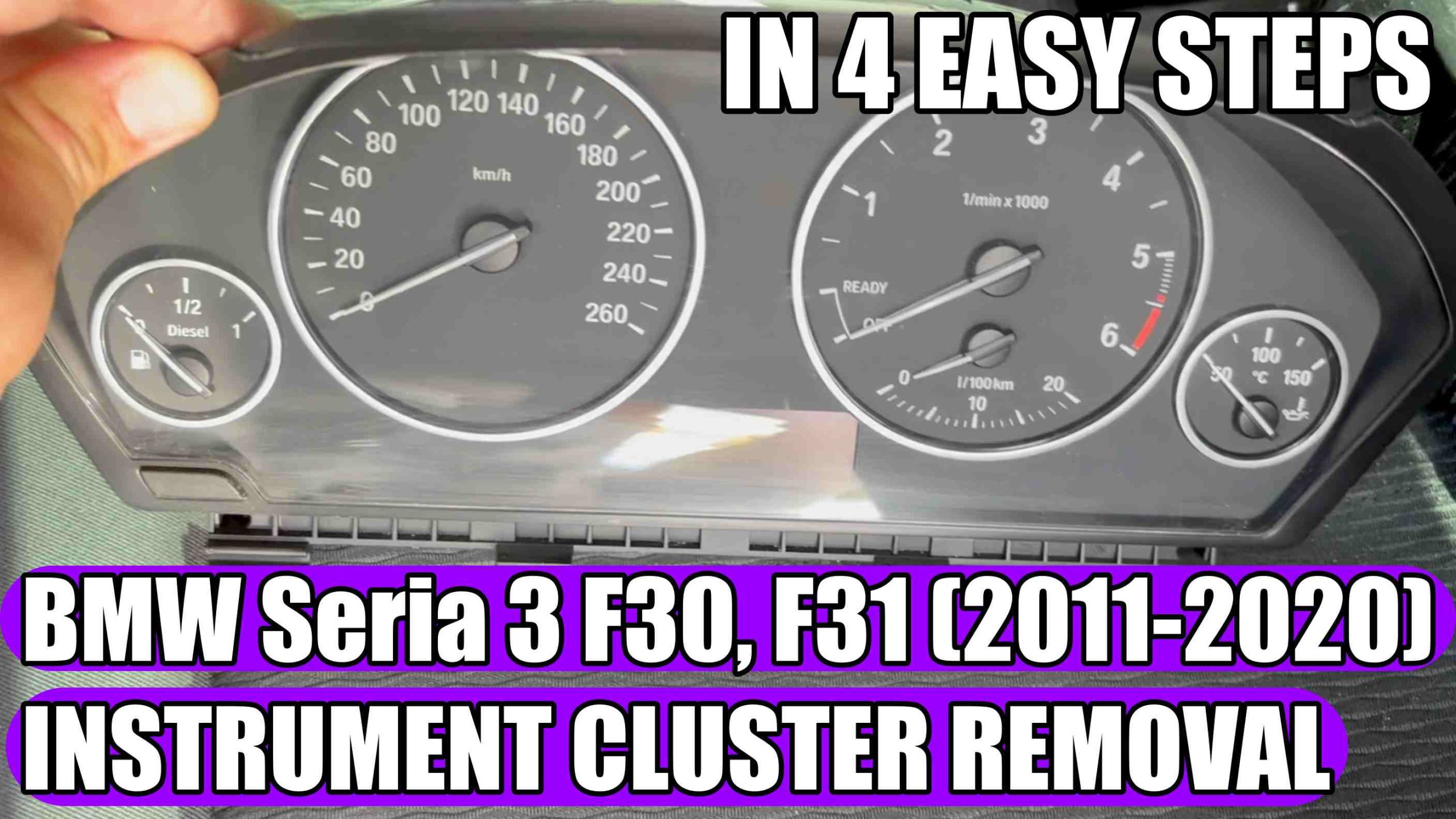
How to Remove the Instrument Cluster on a BMW 3 Series F30, F31, 4 Series F32, F33, F34, F36 in 4 easy steps
How to Remove the Instrument Cluster on a BMW 3 Series F30, F31, 4 Series F32, F33, F34, F36 in 4 easy steps.
You can find Digital Instrument Cluster for BMW 3-Series F30, F31, 4-Series F32, F33, F34, F36 HERE: https://s.click.aliexpress.com/e/_c4LPB8Ef

If you want to replace the Instrument Cluster, install a digital cluster, repair the instrument cluster or access the back of the instrument cluster, you must first properly remove the cluster on your BMW 3-Series F30, F31, 4-Series F32, F33, F34, F36.
The good news is that this operation is relatively simple and can be done in about 10-20 minutes, using just a few basic tools.
In this guide, we show you step by step how to remove the Instrument Cluster on a BMW 3 Series F30, F31 without damaging the interior elements.
Compatible Models
This tutorial is valid for:
The procedure is similar for most engines:
- 316i
- 318i
- 320i
- 328i
- 330i
- 335i
- 340i
- 316d
- 318d
- 320d
- 325d
- 330d
- 335d
Required tools:
– Torx T20 key: https://amzn.to/4qcn3IH
Steps for removing the instrument cluster:
Before starting, turn off the engine and remove the key from the ignition.
For added safety, you can disconnect the negative terminal of the battery, especially if you plan to replace the Instrument Cluster.
1. Remove the two bolts on the top of the closter using a T20 Bit Torx.
2. Adjust the steering wheel so that it is as low and as far away from the instrument cluster as possible.
3. Remove the Instrument Cluster from the outside by pulling them gently from the top.
4. Release the cable and then disconnect the plug from the back of the cluster
On the white label you can also find the serial number by which you can search for second-hand or new ones, in case you want to change them.
You can find Digital Cluster for BMW 3-Series F30, F31, 4-Series F32, F33, F34, F36 below in the video description!
How to reinstall the dashboard clocks
The installation is done in the reverse order:
1. Connect the plug
2. Insert the instrument cluster in its original position
3. Tighten the two T20 Torx screws
If you install other Instrument Cluster (analog or digital), it may be necessary to:
– code the new instrument cluster;
– synchronize the mileage;
– adapt the VIN;
– programming functions depending on the car’s equipment.
These operations require dedicated equipment and specialized software.
Problems that may occur after removal
In some situations, the following may occur:
– warning lights on the dashboard;
– CAN communication errors;
– black display;
– mileage or missing information;
– instrument cluster manipulation message.
Most of these problems are caused by incorrect coding or incompatible instrumentation.
Useful tips:
Use only plastic levers to avoid scratching the trim.
Never pull on the cables.
Check that the plug is completely locked before installation.
Avoid connecting or disconnecting the instrument cluster with the ignition on.
Conclusion:
Removing the instrument cluster on the BMW Series 3 F30, F31, Series 4 F32, F33, F34, F36 is an accessible operation even for those who do not have much experience in car repairs. With a minimum of care and the right tools, the instrument cluster can be removed quickly and safely, whether for replacement, repair or installation of a digital cluster.
If you follow the steps presented above, you will avoid damaging the trim and connectors, and installation will be as simple as removal.
Frequently Asked Questions (FAQ):
- How long does it take to remove the instrument cluster on a BMW F30?
On average, between 10 and 15 minutes.
- Is it necessary to remove the steering wheel?
No. The instrument cluster can be removed without removing the steering wheel.
- Is coding required after reassembly?
No, if you are reinstalling the same instrument cluster. If you are installing a different one, coding is usually required.
- Can I install a digital instrument cluster on a BMW 3 Series F30, F31, 4 Series F32, F33, F34, F36?
Yes, but depending on the model, coding and software adaptation may be required.
Don’t forget to Like & SUBSCRIBE our Youtube channel, Tutoriale Auto!
If you have other ideas for new BMW tutorials, write to us in the comments section!
Check these VIDEO TUTORIALS also for BMW:
How to replace / change key fob battery on BMW X2, X3, X4, X5, X6 (2017-2020) IN 5 STEPS!
UPGRADE with only 10 €uros: BMW iDrive Controller (Ceramic Look) Easy Install in 3 minutes!
Follow us on INSTAGRAM: https://www.instagram.com/service_tutorials/?hl=en
SUBSCRIBE our YOUTUBE channel: https://www.youtube.com/channel/UCwObVGIK_LGIYEoJxL6k-bg