
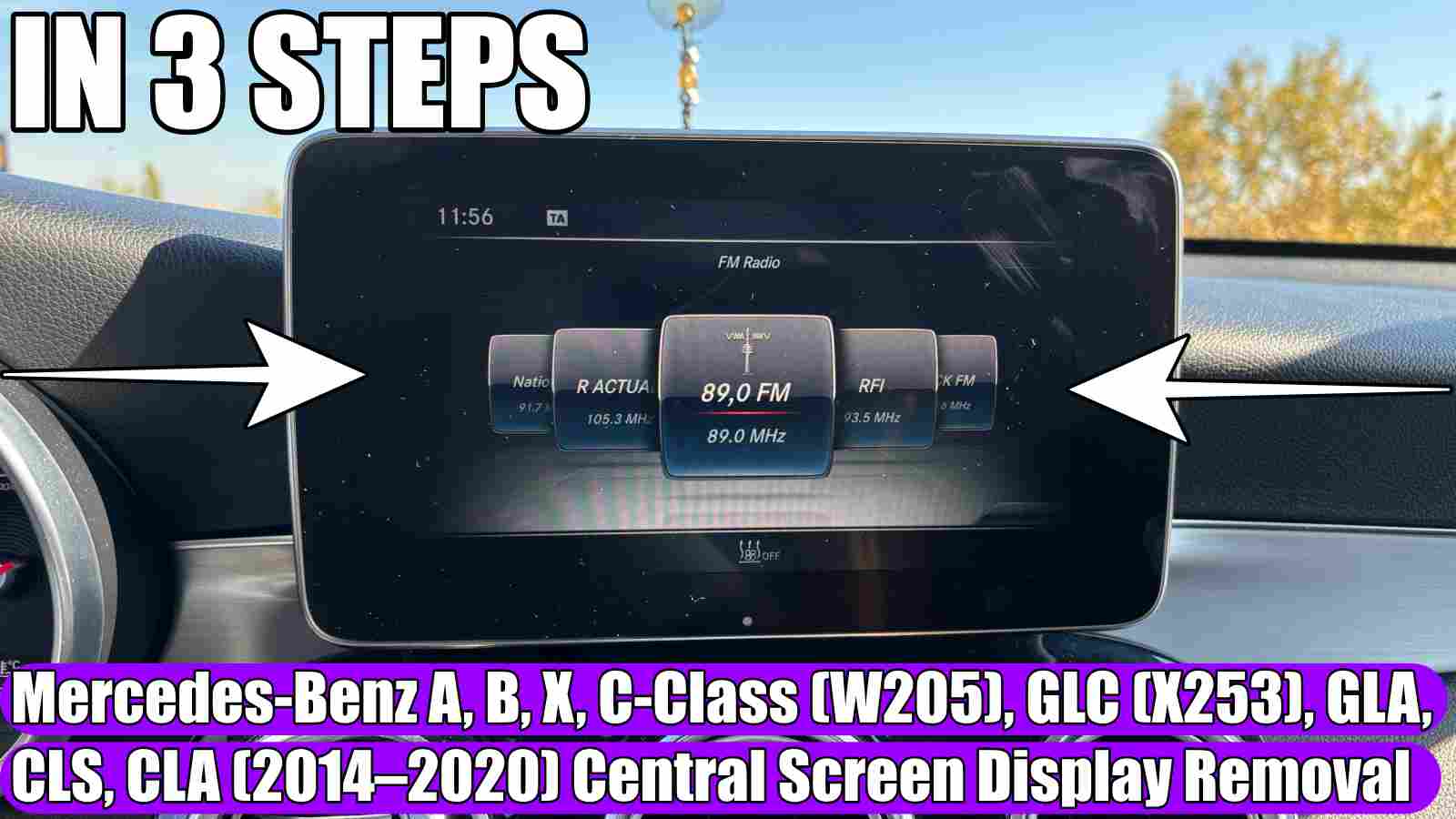
Mercedes-Benz C-Class (W205), A-Class, B-Class, GLC (X253), GLA, CLS, CLA, or X-Class (2014–2020) Central Screen / Display Removal or Replacement
How to remove or disassemble the central display (screen) in a Mercedes-Benz C-Class (W205), A-Class, B-Class, GLC (X253), GLA, CLS, CLA, or X-Class (2014–2020) in 3 easy and simple steps.
I encourage you to also look at these THOUSANDS OF PRODUCTS at promotional prices for: https://amzn.to/4yrWmlY
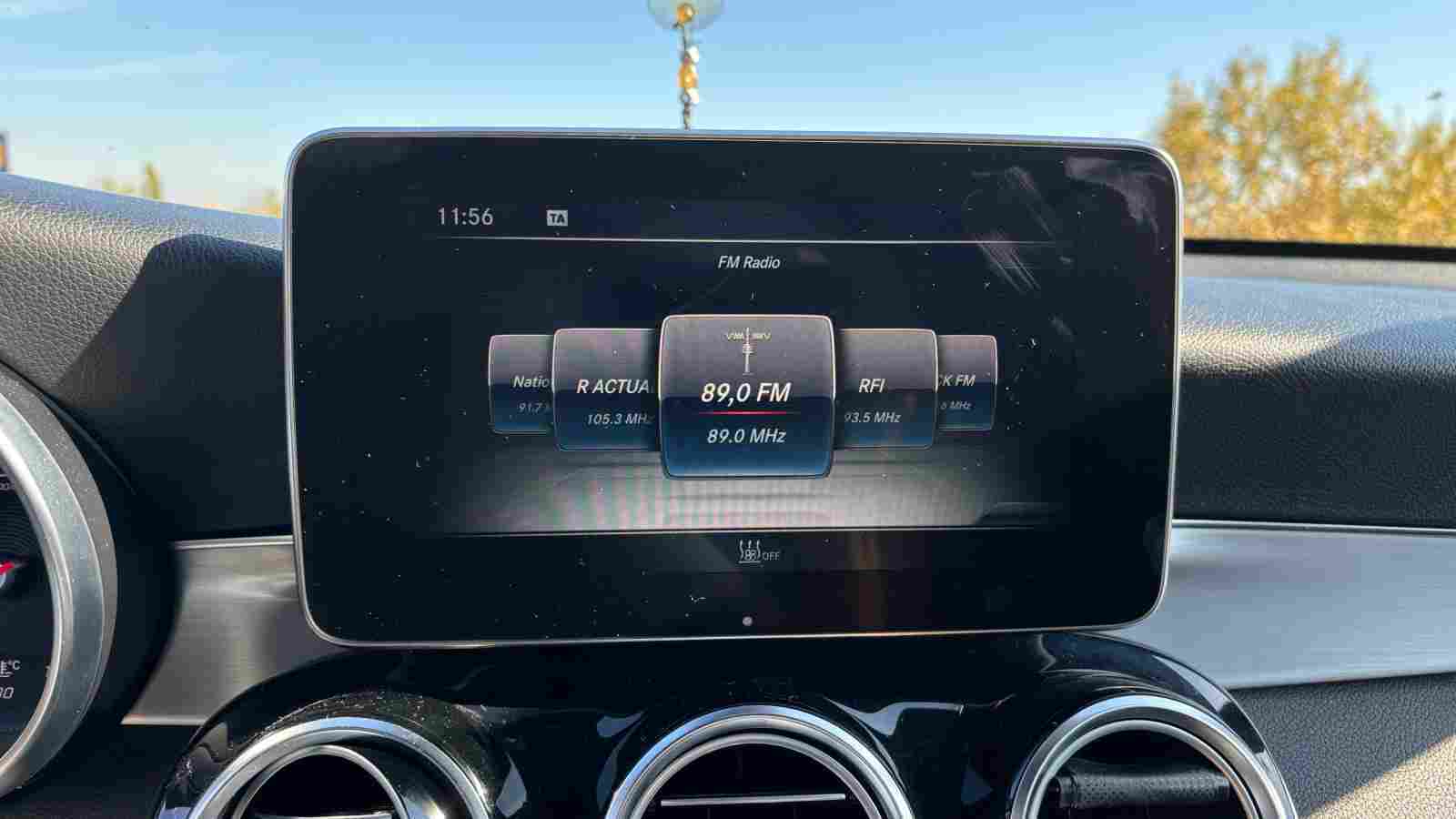
Do you need to replace your infotainment screen, upgrade to a larger Android display, or repair the central unit in your Mercedes?
Removing the central display on Mercedes-Benz models produced between 2014 and 2020 (such as the W205, W176, W246, X253, etc.) is a relatively standard procedure; however, it requires care and the right tools to avoid damaging the interior trim.
In this guide, we walk you through the steps required to perform this task safely.
What you need:
– Plastic trim removal tools or wedges—essential for preventing scratches on the dashboard or leather/plastic components. Do not use metal screwdrivers: https://link.amazon/B080E0Wfv
– T20 Torx screwdriver: https://link.amazon/B00015Bff
Turn off the engine and remove the key: It is recommended to disconnect the negative battery terminal if you intend to work with electrical connectors, in order to prevent short circuits or errors in the onboard computer (such as SRS/airbag system faults). Disassembly Steps (General Process):
1. Remove the speaker cover using a plastic pry tool.
2. Remove the two internal screws using an extension and a T20 TORX bit.
3. Pull the display outward and disconnect the connectors on the back.
If you are installing a new (Android or CarPlay) screen, ensure the connectors are securely seated (you should hear a „click”).
Test the screen’s functionality before screwing everything back into place.
When reassembling, check that all clips on the decorative panels are properly aligned. This article is for informational purposes only. If you do not feel comfortable performing these modifications, we recommend seeking assistance from an authorized service center or a workshop specializing in car audio and automotive accessories to avoid damaging your vehicle’s expensive electronic components.
See what Accessories you can find HERE for Mercedes-Benz at the BEST PRICE: https://s.click.aliexpress.com/e/_dZ4IUHR
If you have any suggestions about new tutorials, let us know in the comments section!
If you enjoyed this video tutorial, make sure to give it a thumbs up and share it with your friends.
Also, don’t forget to LIKE and SUBSCRIBE!
In this post you will find affiliate links, meaning if you click through an affiliate link and make a purchase, I could make a commission. Thank you!
Check these VIDEO TUTORIALS for Mercedes-Benz:
How to change display language from instrument cluster on Mercedes-Benz A-Class, C-Class!
How to replace Mercedes-Benz key fob battery in 4 steps!
How to reset service light (oil service) on Mercedes-Benz CLS in 6 steps!