
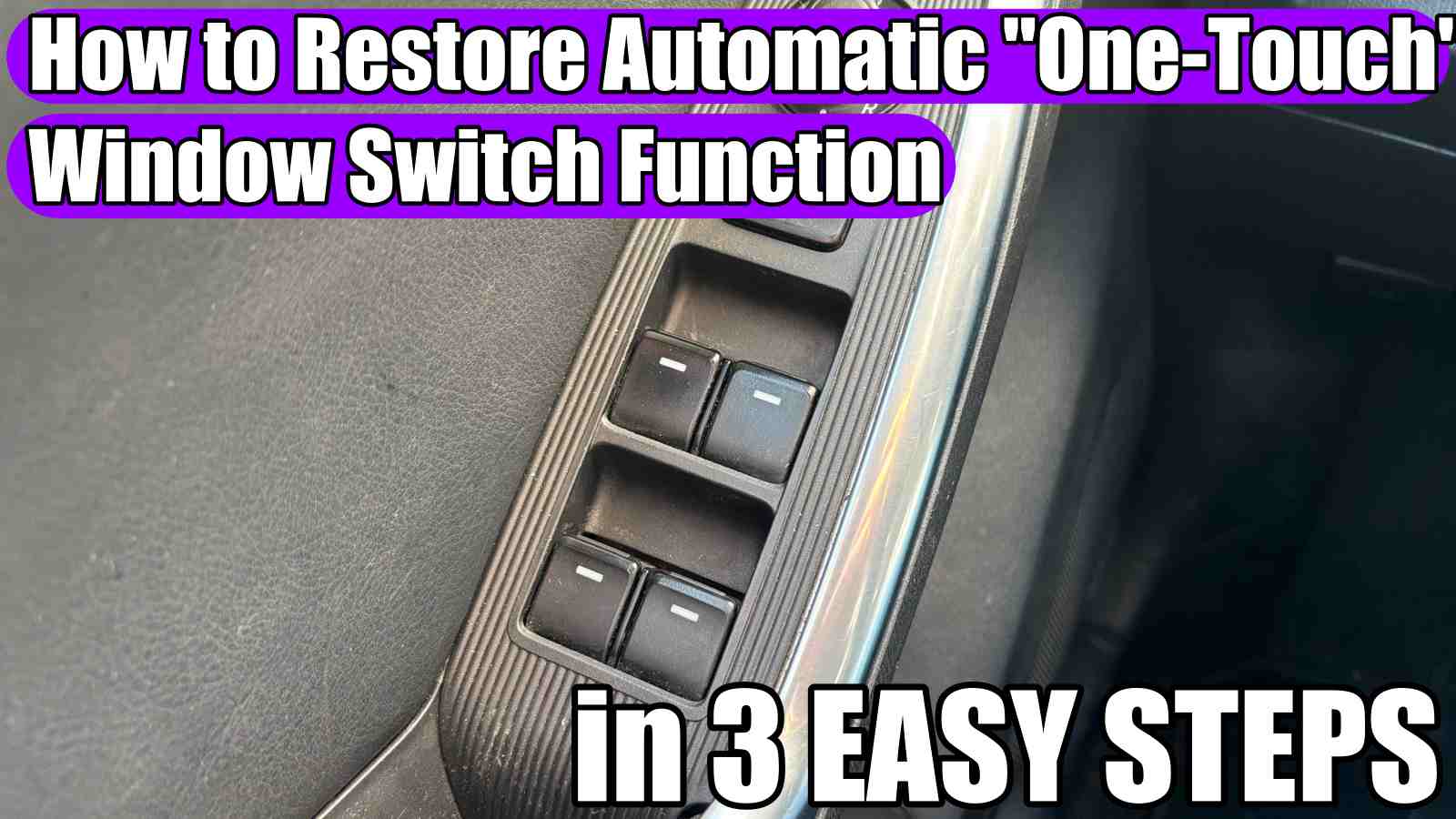
How to restore / reset the automatic „One-Touch” window switch function on your car in 3 easy steps
How to restore or reset the automatic „One-Touch” window switch function on your Mazda, Toyota, Suzuki, Renault, VW, Skoda, Audi, Seat, BMW, Alfa Romeo, Dacia, Renault, Peugeot, Citroen, Cadillac, Chrysler, Chevrolet, Daewoo, DS, Dodge, Fiat, Ford, Honda, Hyundai, Infiniți, GMC, Isuzu, Iveco, Jaguar, Jeep, Kia, Lancia, Land Rover, Lexus, Maserati, Mercedes-Benz, Mini, Mitsubishi, Nissan, Opel, Porsche, Rover, Saab, Smart, Subaru, Volvo, etc. in 3 easy steps.

The one-touch automatic window switch function is a convenient feature that completes an action—like lowering or closing a window, after a single press of a switch. If yours stops working, follow these quick steps to restore the feature.
Many cars require a relearn procedure after battery disconnection, window motor or window switch panel replacement:
- Turn the ignition on (but do not start the engine).
- Press the window switch down and hold it until the window is completely open and keep holding the switch down for 5-10 seconds.
- Pull the window switch up and hold it until the window is completely closed then keep pulling the switch up for 5-10 seconds. Release the switch. The automatic „one-touch” function should now be restored. Repeat this process for any other windows that require resetting.
Test the switch: if one door’s switch works but others don’t, the master switch may be faulty. Try operating from the affected door’s individual switch.
Look for obstructions and check switches for debris: Dirt, grime, or window channel debris can prevent sensors from detecting full travel. Clean window tracks and switches carefully.
Check the battery and electrical connections: Low battery voltage or loose ground wires can cause electronic features to behave unpredictably. Ensure the battery is charged and terminals are tight and corrosion-free.
Scan for error codes (if applicable): Some cars log body-control or comfort system faults. A basic OBD-II scan or a dealer-level scan tool can reveal issues affecting one-touch functionality.
Consider safety and anti-pinch systems: Auto up/down is tied to anti‑pinch sensors; if the sensor or motor’s force detection is out of range, the system may disable one-touch. Relearning (step 2) or professional adjustment may be required.
When to seek professional help: If relearning and basic checks don’t work, or you find signs of motor failure, broken regulator cables, or complex electrical faults, have a qualified technician diagnose and repair. Replacing motors, regulators, or control modules is often best left to pros.
Quick checklist:
- Read the manual → try the relearn procedure → check fuses/switches → clean tracks/switches → verify battery/grounds → scan for codes → seek professional help if unresolved.
Restoring the one-touch function is often a short relearn or simple electrical fix. Start with the relearn steps and basic inspections—these solve most problems.
HERE you can find gifts for Mercedes-Benz lovers: —- https://amzn.to/3DtZhy9
If you have any suggestions about new tutorials, let us know in the comments section!
Check these VIDEO TUTORIALS for Mercedes-Benz:
Mercedes-Benz C-Class W204 (2008-2014) cigarette lighter 12V front socket fuse replacement!
How to change display language from instrument cluster on Mercedes-Benz A-Class, C-Class!