
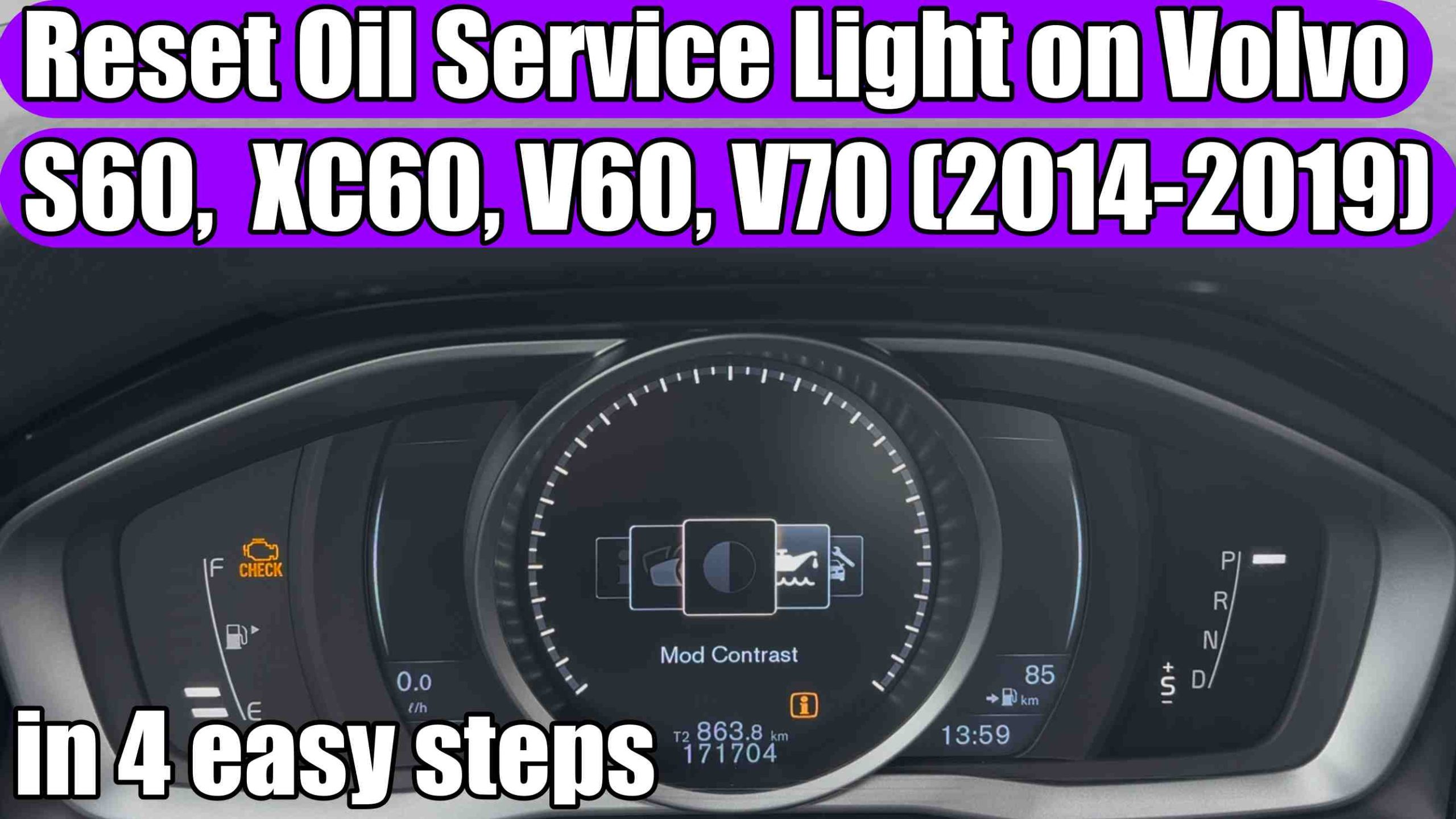
Volvo S60, XC60, S80, V60, V70, XC70, XC90 (2014-2019) – Service Oil Light Reset in 4 Easy Steps
Here is a short video tutorial on how to reset oil service light on Volvo S60, XC60, S80, V60, V70, XC70, XC90 (2014-2019) in 4 Easy Steps.
HERE you can find Best Accessories for Volvo: https://amzn.to/3Z66iCl
HERE you find Accessories for Volvo at the LOWEST PRICES HERE: https://s.click.aliexpress.com/e/_DneINAl
Resetting the oil service indicator is done after performing an oil change or overhaul so that the dashboard displays the correct interval again. The instructions below cover most variants of Volvo S60, XC60, S80, V60, V70, XC70, XC90 (2014-2019) – newer models with digital dashboard or central display.
Reset only after the oil change has been performed!
1. Insert the key and turn on the ignition (the engine must not be running)
2. Go to the display and make sure that you have Trip 2 (2) on the display by turning the rotary knob on the turn signal lever
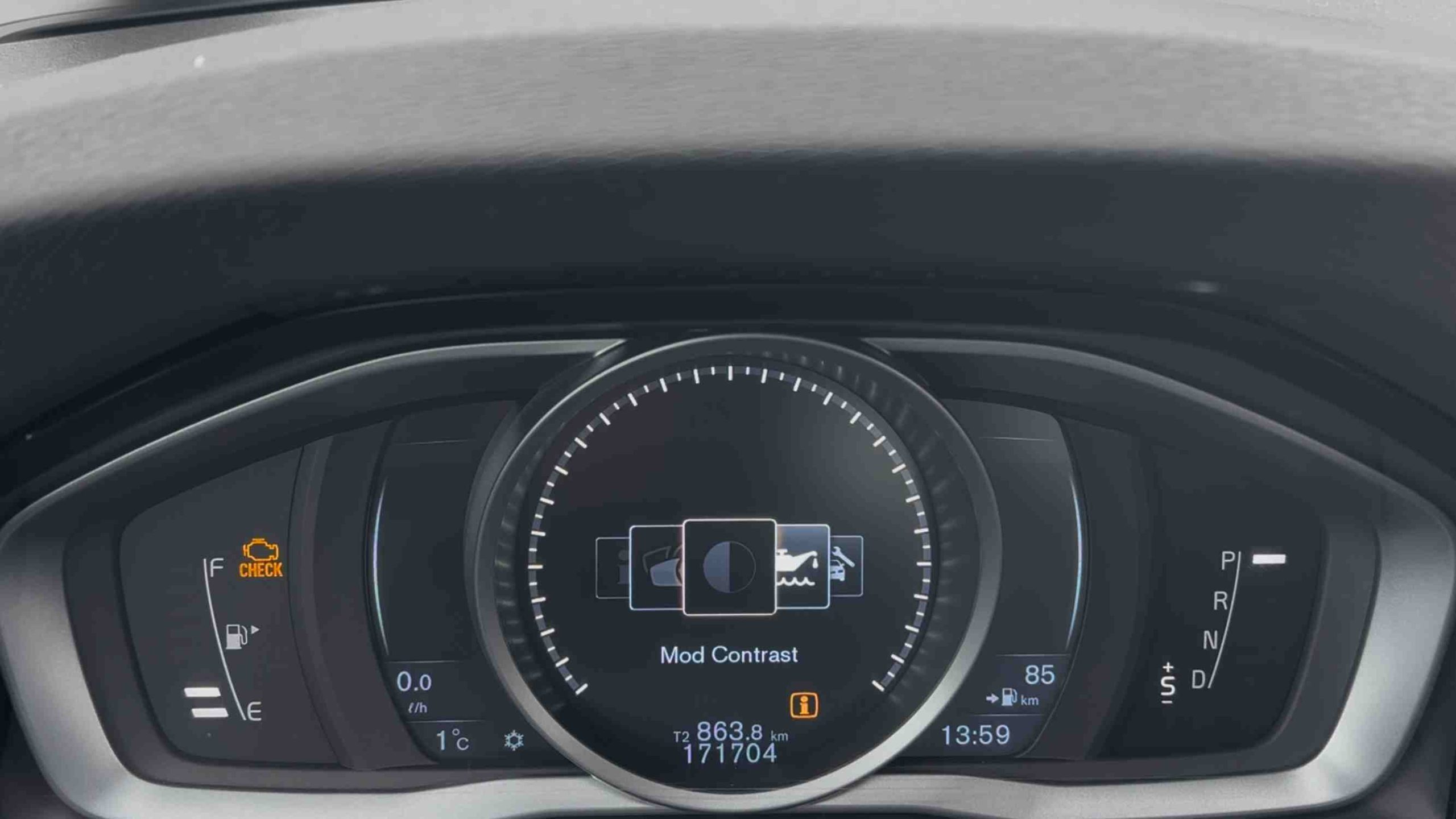
3. Then press the Start Stop Engine button and the OK button on the turn signal lever at the same time until you see the “i” indicator light framed in a square.
Wait until the “i” indicator light flashes 3 times.
4. Wait until the “i” indicator light flashes 3 times and then release both buttons and turn off the ignition by pressing the Start Stop Engine button.
Things to remember:
Resetting should only be done after an oil change.
If the message remains after resetting, try the procedure again or contact a Volvo workshop — some models may require a diagnostic to reset.
If you have other suggesstions for new Volvo S40 tutorials, write to us in the comments section!
Don’t forget to Like & Subscribe our Youtube channel, Tutoriale Auto!
Follow us on INSTAGRAM: https://www.instagram.com/service_tutorials/?hl=en
SUBSCRIBE our YOUTUBE channel: https://www.youtube.com/channel/UCwObVGIK_LGIYEoJxL6k-bg
Check these VIDEO TUTORIALS for Volvo:
How To Refill & Check Engine Oil Level on Volvo XC40, XC60 (2018-2024) in 5 easy steps!
One Comments
Comments are closed.