
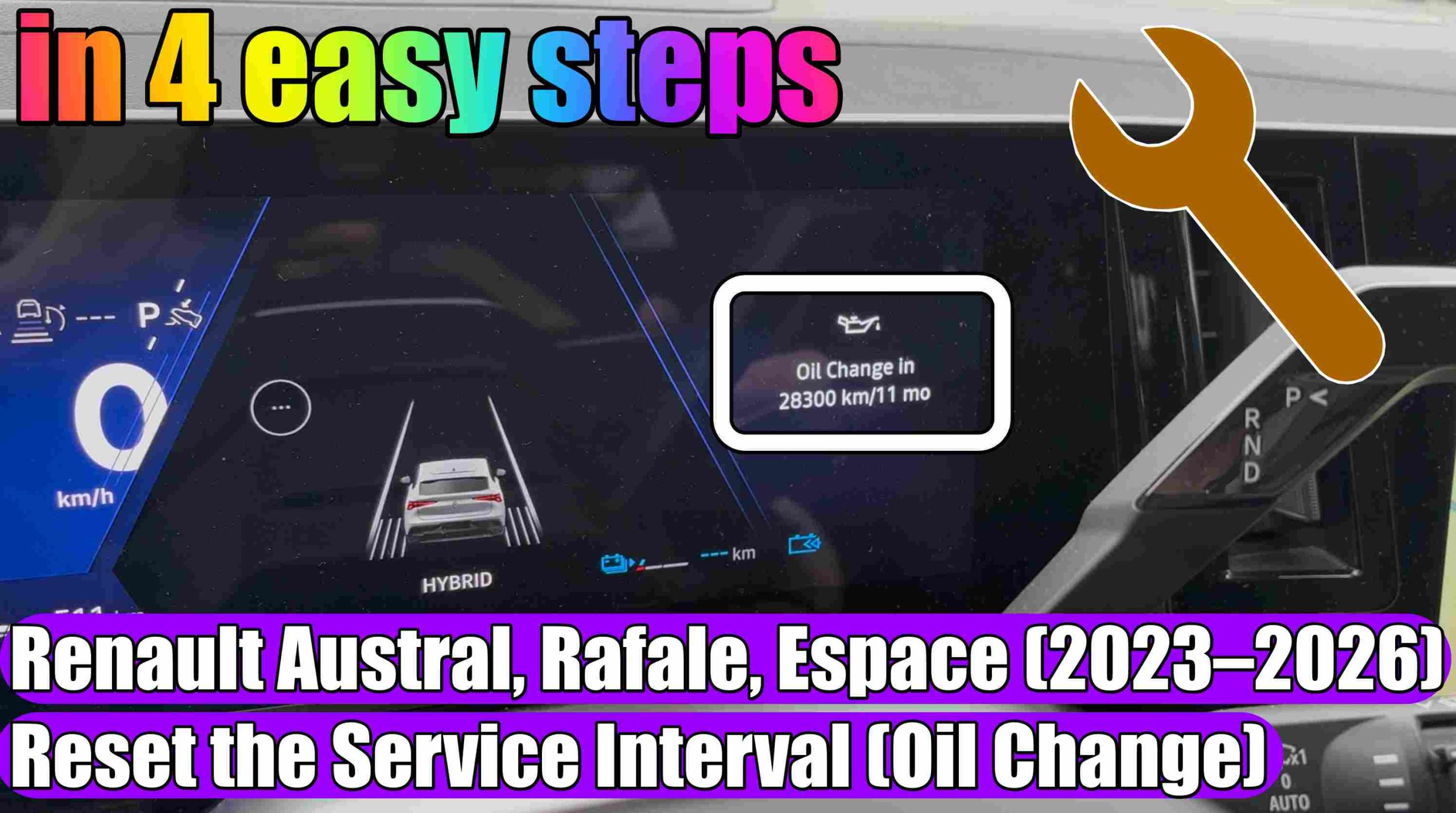
How to Reset the Service Interval (Oil Change) for Renault Austral, Rafale, and Espace (2023–2026)
How to Reset the Service Interval (Oil Change) for Renault Austral, Rafale, and Espace (2023–2026) in 4 easy steps.
I encourage you to also look at these THOUSANDS OF PRODUCTS at promotional prices for: https://link.amazon/B03QittLV
See what Accessories you can find HERE for Mercedes-Benz at the BEST PRICE: https://s.click.aliexpress.com/e/_c31v7Vkx
If you own a newer Renault model—such as the Austral, Rafale, or Espace (generations produced between 2023 and 2026)—equipped with the openR link multimedia system, you may have wondered how to reset the service interval indicator (the oil change or scheduled maintenance warning) after performing maintenance.
This article provides a simplified guide to help you complete this procedure quickly, from the comfort of your own vehicle, without the immediate need for professional diagnostic equipment at a service center.
Why is resetting the service interval important?
Correctly resetting the service interval ensures that the vehicle’s onboard computer accurately tracks oil degradation and upcoming maintenance schedules. If you fail to reset this interval, the car will continue to display a „Service Required” message or keep the warning light illuminated; this can be both annoying and potentially problematic, as it might mask other genuine errors that require your attention.
Reset Procedure (General Guide)
The models mentioned above utilize the openR link interface, which means that navigation is primarily handled via the touchscreen and the controls located on the steering wheel. Here are the main steps, which are similar for the new generation of Renault vehicles:
1. Press the Start/Stop button (without pressing the brake pedal).
2. Press the button up or down until you reach „Oil Change in…”.
3. Press and hold the OK button for a few seconds until the „Oil change…” display begins to flash; do not release the button until the value stops flashing and remains steady (or reverts to the original mileage/distance figure).
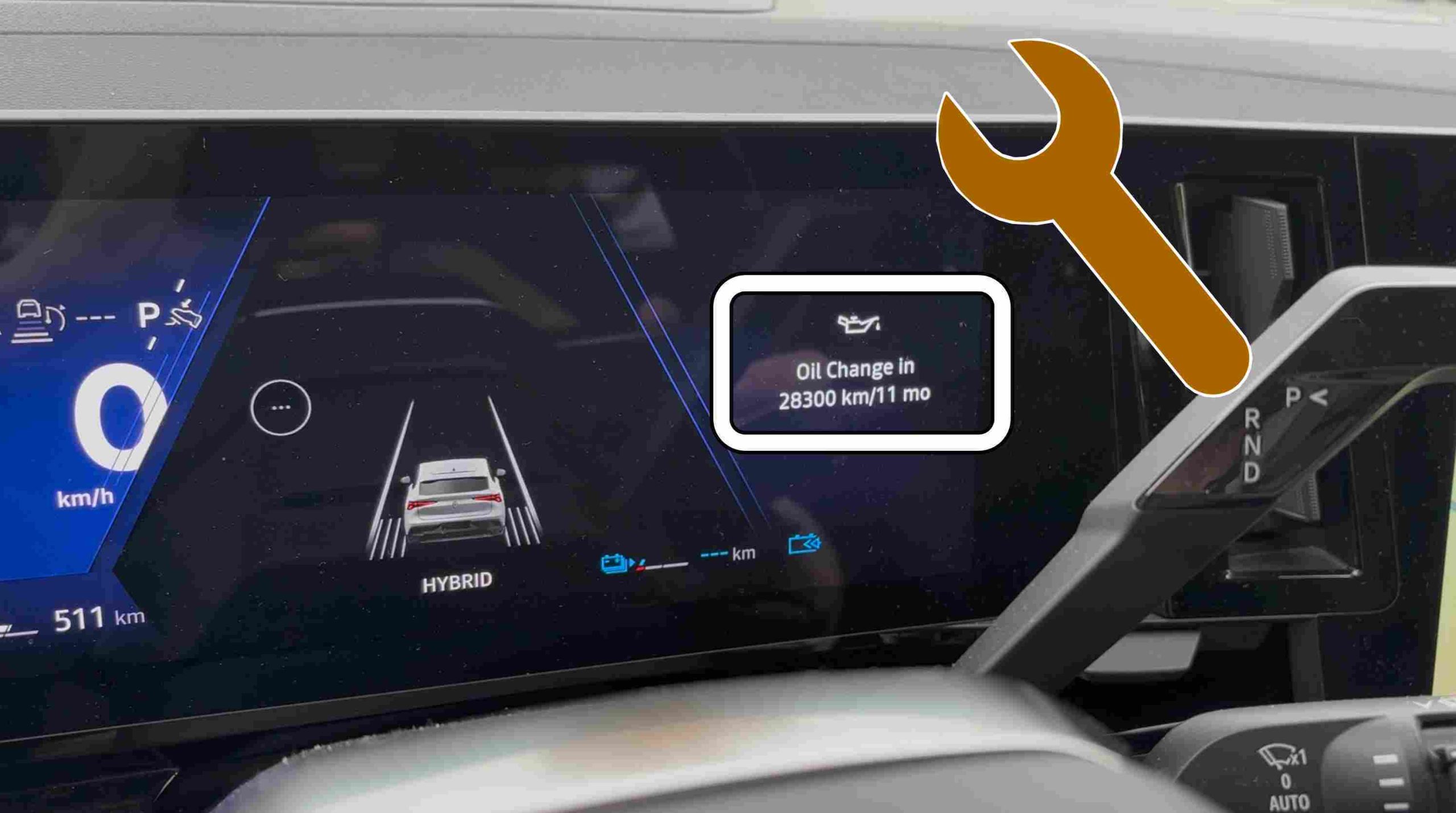
We decided not to reset the service reminder because it wasn’t necessary for this vehicle. As you can see, the next service is due in 28,300 km or 11 months.
4. Press the Start/Stop engine button to switch off the ignition.
Alternatively, you can press and hold the up or down arrow button for a longer period (until the display stops toggling on and off).
If you have any suggestions for future video tutorials, please let us know in the comments section below!
A confirmation message should appear on the screen, or the service interval will automatically reset to its default value (for example, 20,000 km or 1 year).
When should you visit an authorized service center?
Although resetting the service indicator is a simple process, we recommend the following:
Only reset the indicator after you have performed an oil and filter change using approved components, in accordance with the manufacturer’s specifications.
If the vehicle is still under warranty, it is essential that maintenance services are performed at an authorized Renault service center to avoid voiding the warranty.
If other warning lights appear alongside the service indicator (such as „check engine,” braking system alerts, etc.), do not simply reset the system; instead, have the vehicle checked using a diagnostic tool for a full assessment.
Conclusion
Proper maintenance of your new Renault Austral, Rafale, or Espace is the key to a long engine life. Now that you know how to manually reset the service interval, you can enjoy your car without unnecessary warnings on the dashboard!
This article is for informational purposes only. For any technical procedure, please consult your vehicle’s official owner’s manual or contact your nearest authorized Renault service center.
I hope this information will be helpful for someone who has the same problem like me.
Don’t forget to Like & Subscribe our Youtube channel, Tutoriale Auto!