
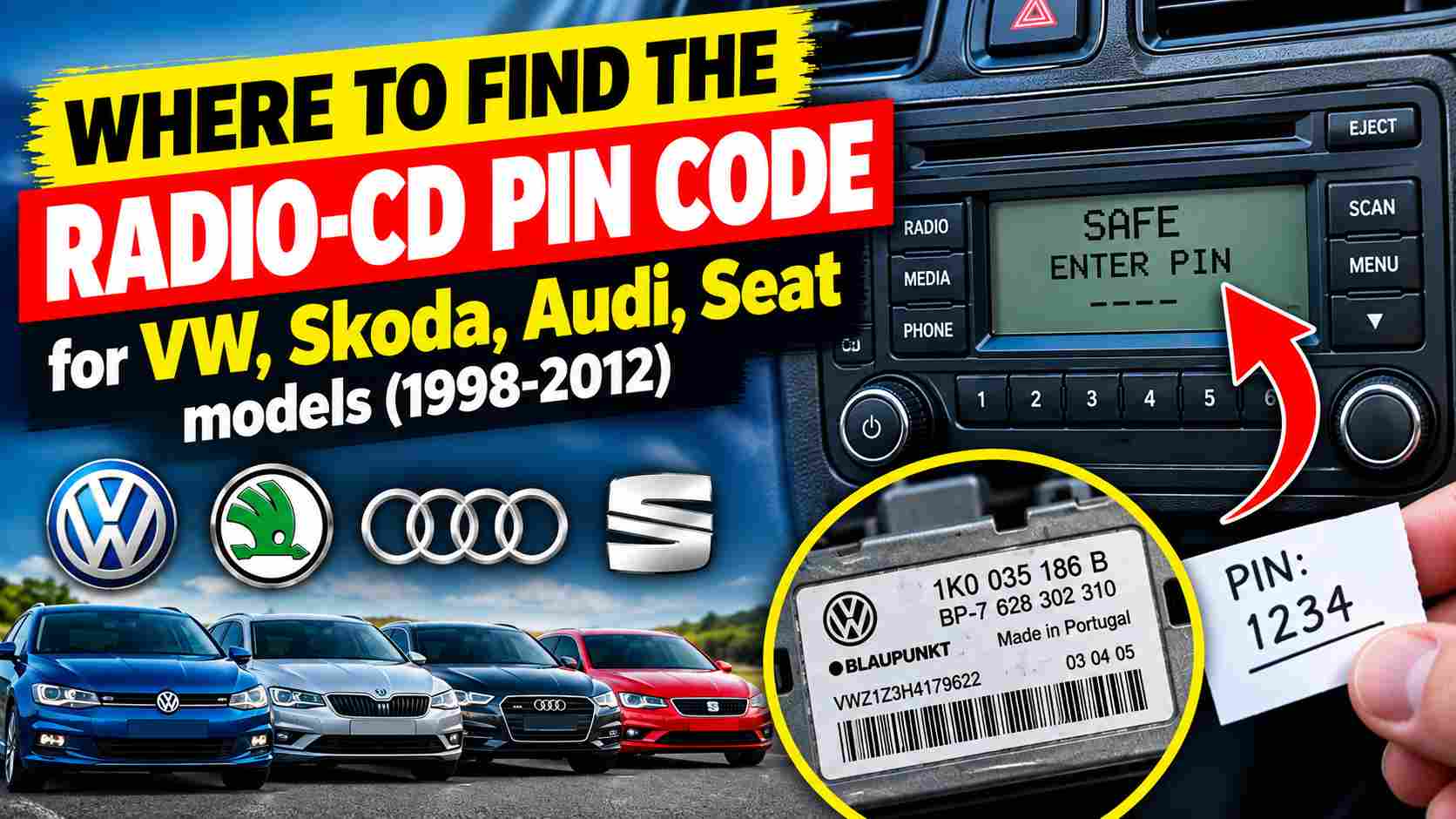
Where to look first for the Radio PIN code on your VW, Skoda, Audi, and Seat cars (1998–2012)
Where to look first for the Radio PIN code on your VW, Skoda, Audi, and Seat cars (1998–2012). Have you changed your car battery, removed the radio unit from the dashboard, or bought a used car, only to find the audio unit asking for a PIN code?
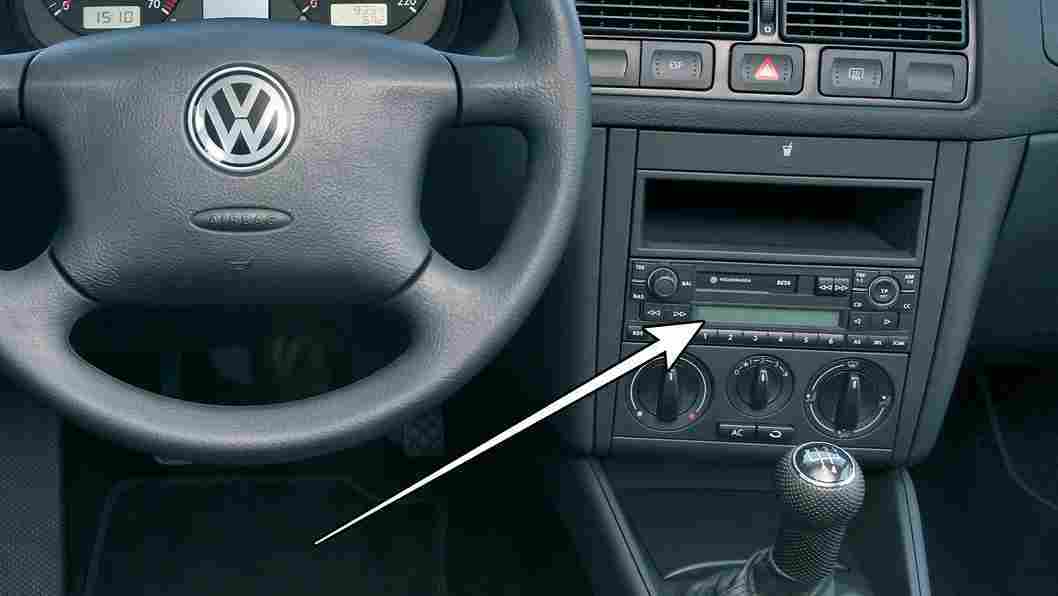
On many Volkswagen, Skoda, Audi, and Seat models manufactured between 1998 and 2012, the radio security code is not displayed on the screen and cannot be guessed. Before heading to a service center, there are a few places worth checking. Here is the first place you should look.
The code is most often found in the car’s document folder, the radio manual, or on a separate card supplied with the vehicle.
In some cases, the radio code is written on an adhesive label. Locations where this might be found include: inside the glovebox, the fuse box cover; the spare wheel compartment, documents attached to the technical folder, the back or inside of the manual or a hidden area in the trunk.
Why does the radio ask for a PIN code?
Factory-fitted radios in VAG Group vehicles are protected against theft. The code may be requested after:
- disconnecting or replacing the battery;
- removing the radio;
- installing the unit in another car;
- loss of power supply;
- electrical system repairs;
- resetting or changing the audio unit.
Depending on the model, messages such as the following may appear on the screen:
- SAFE;
- CODE;
- 1000;
- SAFE 2;
- ENTER CODE;
- PLEASE ENTER CODE.
Important: do not enter codes at random. After several incorrect attempts, the radio may lock temporarily or require a specific unlocking procedure.
- Check the car’s owner’s manual (or handbook) first.
The first place to look is the car’s owner’s manual. The radio code might be recorded in:
- the service booklet;
- the maintenance log;
- the radio’s user manual;
- documents received when purchasing the car;
- a separate card labeled „Radio Code”; a label affixed inside the document folder.
Sometimes, the previous owner has noted the code on the first or last page of the manual. For used cars, it is also worth checking any documentation left in the glovebox, trunk, or side compartments.
2. Look for the original radio code card
Some VW, Audi, Skoda, and Seat models were supplied with a small card—similar to a bank card—displaying the radio’s security code.
This card may show:
- the unit’s serial number;
- the radio model;
- the PIN code;
- the manufacturer’s brand;
- sometimes, the vehicle identification number (VIN).
The card might be tucked between the pages of the manual or inside a pocket of the service folder. If you find multiple codes, do not enter them automatically; first, verify that they match the radio installed in the car.
3. Check for labels and notes inside the car
In some cases, the radio code is written on an adhesive label. Locations where this might be found include:
- inside the glovebox;
- the fuse box cover;
- the spare wheel compartment;
- documents attached to the technical folder;
- the back or inside of the manual;
- a hidden area in the trunk.
It is not recommended to dismantle the dashboard just to look for a code written on the unit’s casing. The PIN code is generally not clearly printed on the visible part of the device.
4. Check if the radio is the original unit
Before trying to identify the code, you must determine whether the audio unit is the one installed at the factory. In cars from the 1998–2012 period, the radio may have been replaced by previous owners. Compare:
- the device’s make and model;
- the appearance of the buttons;
- the illumination color;
- the shape of the faceplate;
- the unit’s serial number;
- compatibility with the car’s dashboard.
For example, a genuine Volkswagen radio installed in a Seat might have a different code than the unit originally installed in the vehicle. Consequently, the code listed in the car’s documents may not work.
5. Note down the radio’s serial number
If you cannot find the code in the documents, the next step is to identify the radio using its serial number. Depending on the model, the serial number may be required to obtain the official code.
You usually need to remove the radio from the dashboard to read the label on the casing. This label may display:
- the serial number;
- the part number;
- the unit model;
- the manufacturer;
- the radio identifier;
- the manufacturing serial number.
Examples of units found in VAG models from this period include radios from series such as:
- VW Beta, Gamma, Alpha, and RCD;
- Audi Concert, Chorus, and Symphony;
- Skoda Symphony and Stream;
- Seat Aura, Alana, and other OEM units.
The exact designation varies depending on the year of manufacture, trim level, and the market for which the car was produced.
6. Contact a dealership or an authorized service center
The most reliable way to retrieve the code is to contact an authorized dealer or a service center specializing in car audio systems.
You may typically be asked to provide:
- the vehicle registration certificate;
- the vehicle identity card;
- your ID document;
- proof of ownership;
- the VIN;
- the radio’s serial number.
This information is required to prevent codes from being obtained by individuals attempting to use a stolen unit. Depending on the unit and the service center’s policy, the code can be identified via the VIN, the device’s serial number, or an electronic diagnostic check.
The difference between the radio code and the VIN
An important point is that the VIN and the radio code are not the same thing.
The VIN is the car’s unique serial number, consisting of 17 characters.
The radio code is the PIN used to unlock the audio unit.
The radio’s serial number identifies the unit installed in the dashboard.
With some newer units, the radio may be electronically paired with the vehicle via a diagnostic tool. In such cases, simply entering a code found online might not be sufficient.
How do you enter the PIN code?
The procedure varies depending on the radio model. Generally, the steps are as follows:
- Turn on the ignition and the radio.
- Wait for the message „SAFE,” „CODE,” or a similar indicator to appear.
- Use the numeric buttons to enter the code.
- Confirm by pressing a dedicated button, such as OK, SCAN, AS, or MODE.
- Wait for the unit to unlock.
On some radios, specific buttons must be pressed simultaneously to enable code entry on the screen. The exact procedure can be found in the unit’s manual.
What should you do if the „SAFE” message appears?
The „SAFE” message indicates that the radio is locked. Before trying again:
- verify that you have the correct code;
- ensure the battery is sufficiently charged;
- leave the ignition and radio on for the duration specified in the manual;
- do not disconnect the battery during the procedure;
- avoid repeatedly entering random codes.
After several failed attempts, some units display „SAFE 2” or temporarily lock access to the keypad.
Can the radio code be retrieved using the VIN?
Sometimes, yes; however, not all radios can be decoded solely based on the VIN. The outcome depends on:
- the car’s year and model;
- the type of radio;
- whether the unit is the original one;
- the availability of the code in the manufacturer’s database;
- the electronic pairing between the radio and the vehicle. If the radio has been replaced, the car’s VIN may not be sufficient. In this case, the audio unit’s serial number is also required.
Why is it not recommended to use codes found randomly on the internet?
You may find code calculators or lists of combinations linked to specific models online. However, this information is not always accurate and can lead to the radio locking up.
Risks include:
- entering an incompatible code;
- temporarily locking the device;
- wasting time on unsuccessful attempts;
- damaging components through improper handling;
- obtaining a code for a different unit that shares the same trade name.
To protect your car and radio, use the original documents or consult a service center that requires proof of ownership.
Frequently Asked Questions:
Where is the radio code usually found?
The code is most often found in the car’s document folder, the radio manual, or on a separate card supplied with the vehicle.
Can I use the code from another identical radio?
No. The code is linked to a specific unit or a specific combination of radio and car. A device with the same model name may have a different code.
Does the radio need to be removed from the dashboard?
Not always. If you have the original documents, the code can be found without removing the unit. If not, the device’s serial number may be required, and reading it sometimes necessitates removing the radio.
What should I do if I bought the car without the code?
Contact a dealer or a specialized service center and have the car’s documents, the VIN, and—if necessary—the radio’s serial number ready.
Why is the code requested after changing the battery?
Disconnecting the battery cuts off power to the radio. The security system interprets a loss of power as a potential unauthorized removal and prompts for the PIN code.
When the Radio unit in a Volkswagen, Skoda, Audi, or Seat manufactured between 1998 and 2012 requests a PIN code, first check the vehicle’s documentation folder for the radio manual and the original security card. If these documents are missing, locate the unit’s serial number and contact an authorized service center or a car audio specialist.
Most importantly, avoid entering codes at random. Properly verifying the VIN, radio serial number, and proof of ownership is the safest way to retrieve the code and unlock the unit without risk.