
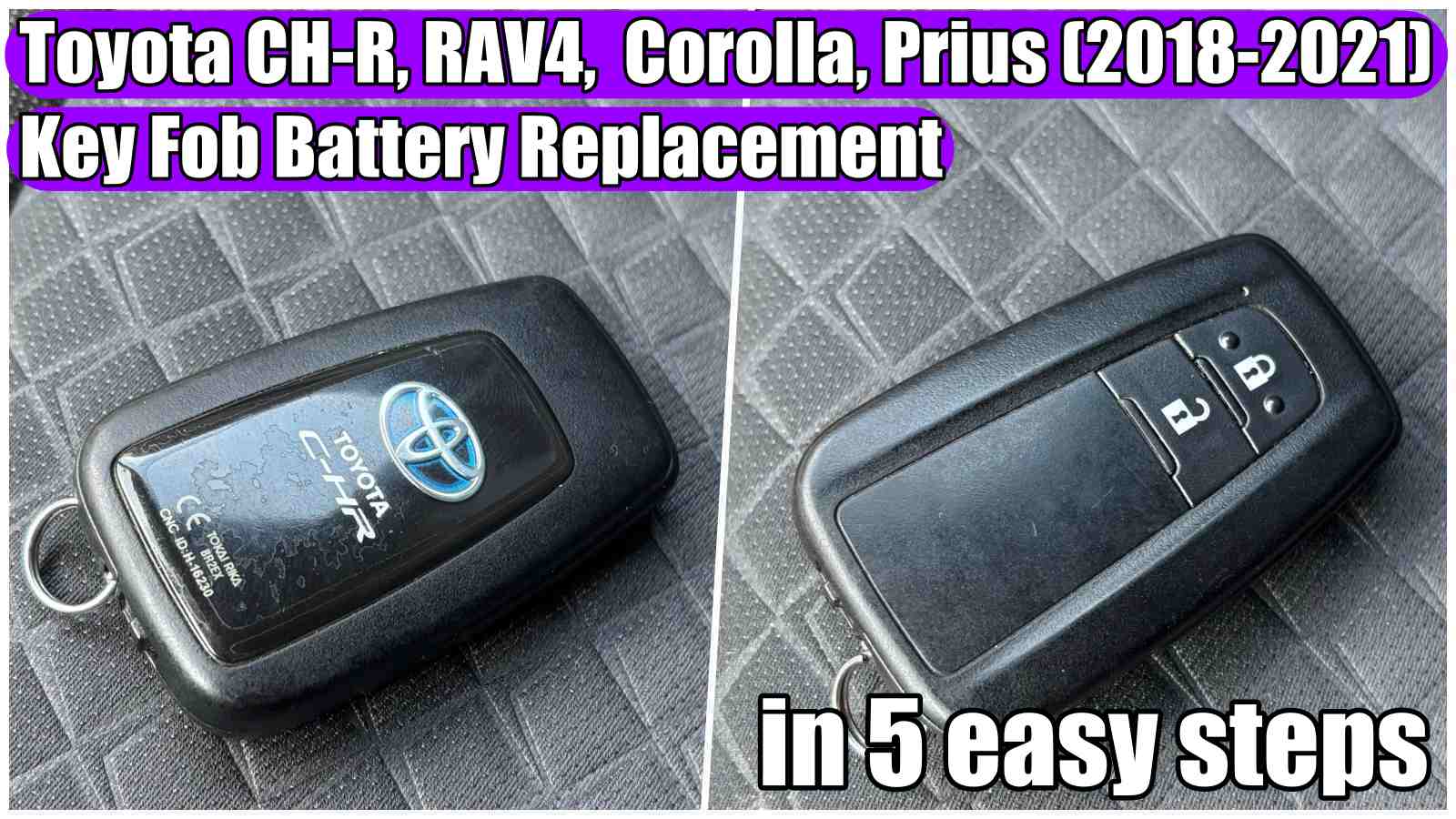
How to Change or Replace Key Fob Battery of Toyota C‑HR, RAV4, Corolla, Camry, Highlander and Prius (2018-2021)
How to Change or Replace Key Fob Battery of Toyota C‑HR, RAV4, Corolla, Camry, Highlander and Prius (2018-2021) in just 5 easy steps.
HERE you can find the CR2032 Battery for Toyota CH-R, Corolla, Camry, RAV4, Highlander (2018-2021): https://amzn.to/4g2bb8W
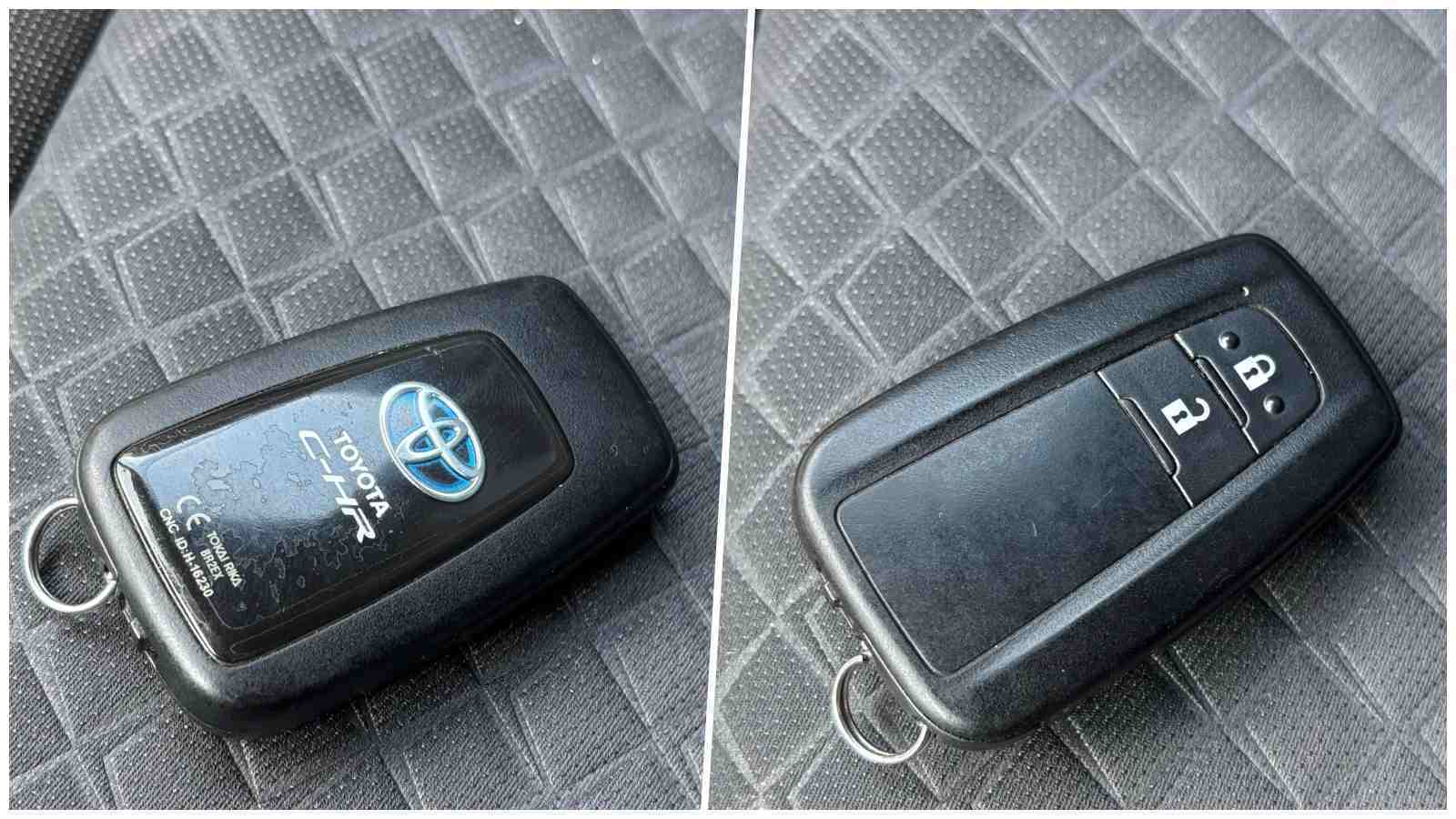
Changing the battery in the key fob of Toyota C‑HR is simple and quick. Follow the steps below to correctly replace the battery, verify functionality and maintain the tightness of the remote control.
Parts required:
– CR 2032 battery: https://amzn.to/4g2bb8W
Estimated time: 3–5 minutes.
Steps to change the Toyota CH-R key fob battery:
Step 1: Remove the blade from the key fob by sliding the button from the top.
Step 2: Insert the blade into the slot inside and twist the blade until the case opens in two.
Step 3: Open the case and remove the electronic part where the battery is located.
Step 4: Replace the old battery with a new one.
Toyota CH-R uses a standard CR2032 battery that you can find it HERE: https://amzn.to/4esAO1q
Replace the battery within 1 minute because otherwise the key may become unsynchronized.
Step 5: Reinstall the electronic part and then reassemble the case. Then put the blade back into the key fob.
SEE MORE VIDEOS WITH TOYOTA BELOW:
- „Hybrid System Malfunction. Visit Your Dealer” message on Toyota Corolla Hybrid 2021. The car does not start – how to fix it!
- How to install 4K UHD Dash Cam (OEM look) on Toyota CH-R (2020-2024)!
In this post you will find affiliate links, meaning if you click through an affiliate link and make a purchase, I could make a commission. Thank you!