

Chevrolet Cruze (2011-2015) – How to Reset Service Oil Light (code 82) in 4 Easy Steps
Resetting the oil change or code 82 on the Chevrolet Cruze (2011-2015) is a simple process, essential to keeping your car in optimal condition and following the manufacturer’s recommended maintenance schedule.
HERE you can find Accessories for Chevrolet Cruze at THE BEST PRICE: https://s.click.aliexpress.com/e/_c3c547CP
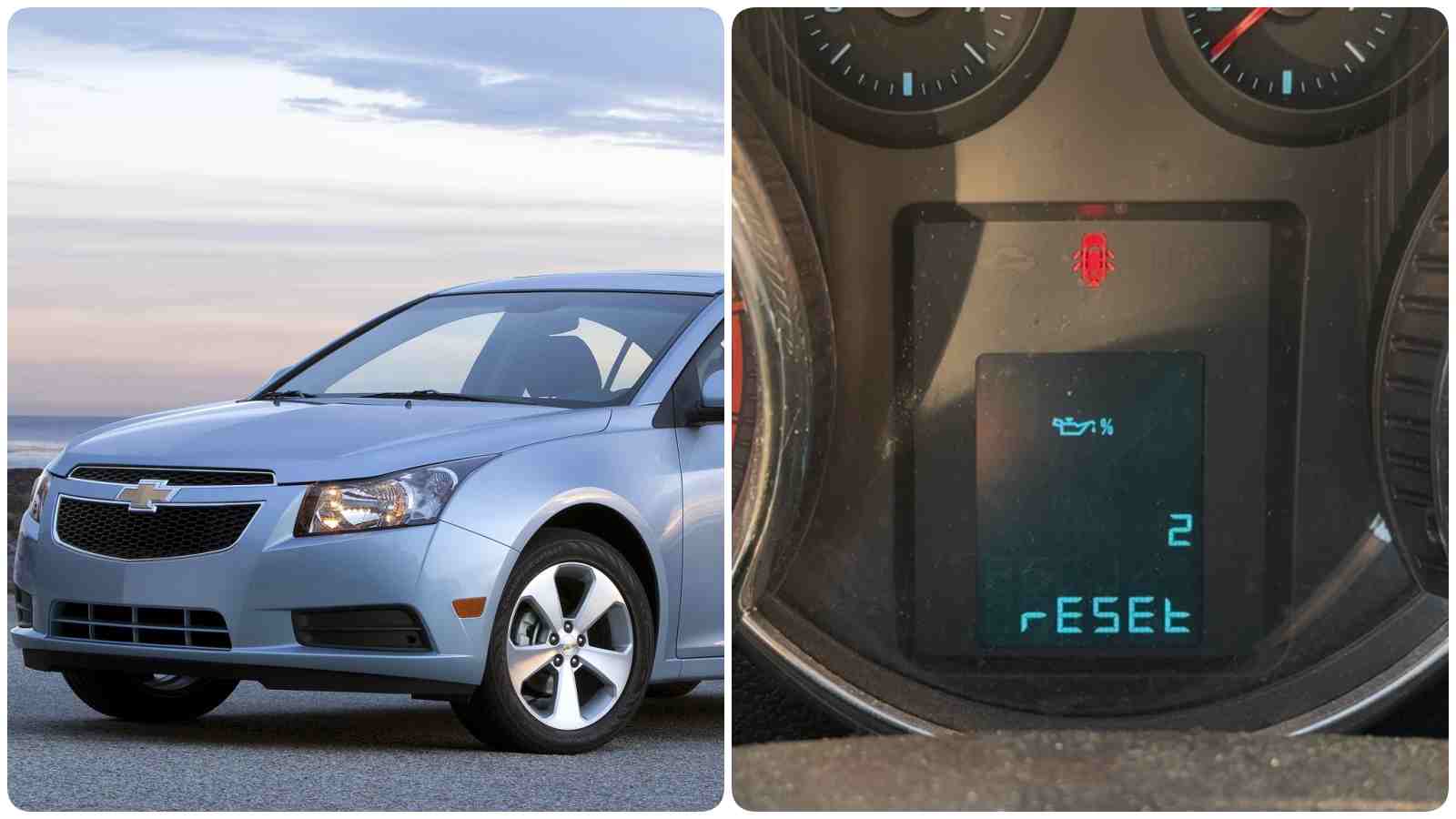
This procedure may vary depending on the year and model of the vehicle, but in general, the steps are similar.
SEE more products for CHEVROLET CRUZE HERE: https://amzn.to/3WvakCM
1. Turn on the ignition without starting the engine (the oil service indicator should be active).
2. Press the MENU button on the turn signal lever.
3. Then rotate the up or down arrow until your oil indicator appears
4. Then hold down the button on the end of the lever until the reset occurs.
You will see the number 100 (from 100%) on the display when the oil service has been reset.
It is recommended to check your car manual for instructions specific to your model. If the procedure does not work, it is safest to consult an authorized service center to avoid any warranty or vehicle operation issues.
You will use only these 3 buttons: the menu button, the up and down arrow and the button from the top of the signal lever.
If you have any suggestions about new tutorials, you can write us in the comments section!
Don’t forget to Like & SUBSCRIBE our Youtube channel, Tutoriale Auto!