

VW e-Golf (electric) – Activate Needle Sweep / Cluster Staging with Carista Evo in 5 easy steps
How to activate the NEEDLE SWEEP function (full rotation of the instrument cluster needles) or instrument cluster staging on VW Volkswagen e-Golf (electric) using the Carista Evo.
You can find the Carista Evo diagnostic tool HERE: https://amzn.to/4vEutGL
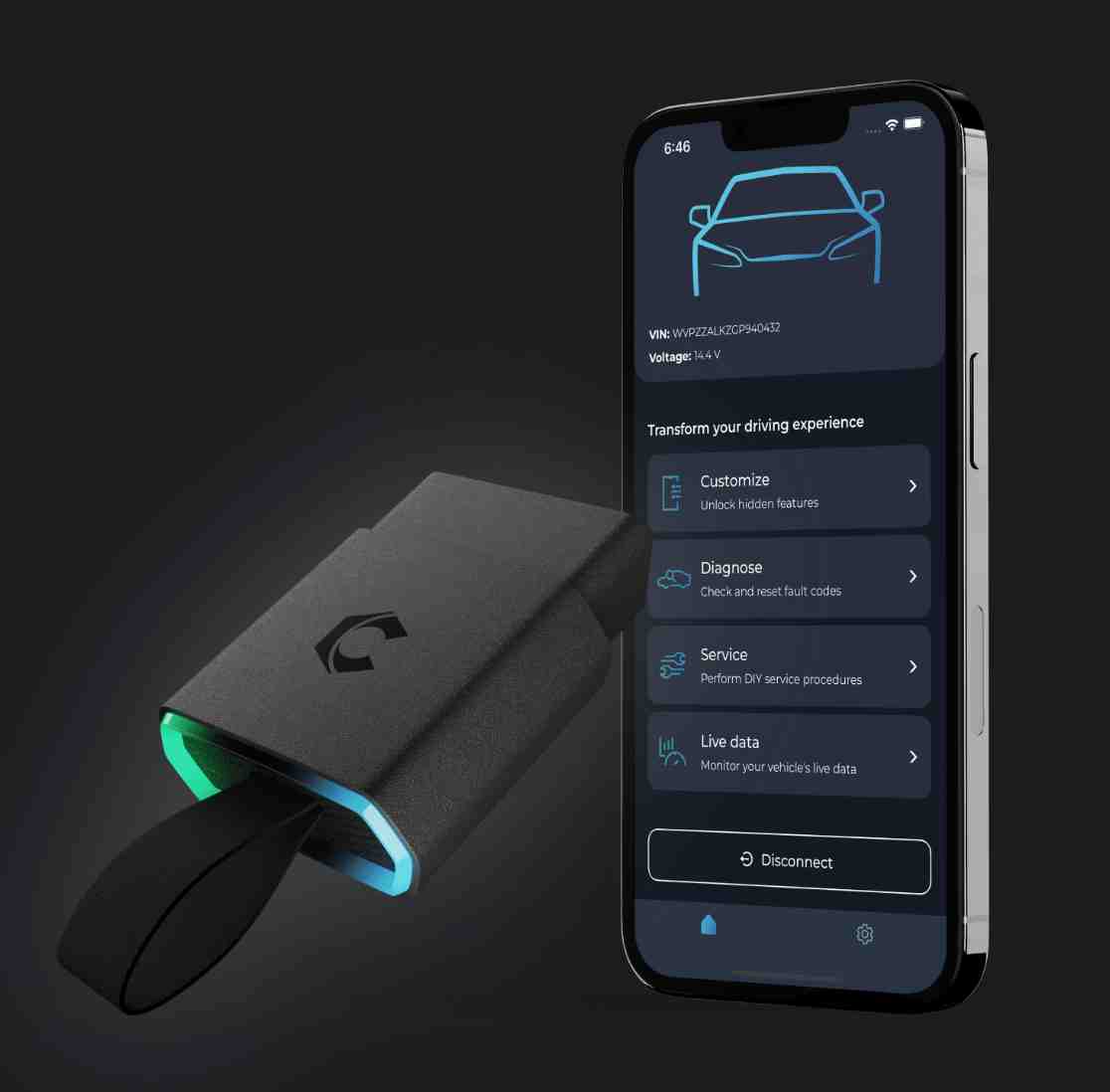
Learn how to quickly and easily activate the Needle Sweep function or instrument cluster staging (full rotation of the clock needles when the ignition is turned on) on the Volkswagen e-Golf using the Carista Evo device and app.
HERE you can find VW Accessories at THE BEST PRICE: https://s.click.aliexpress.com/e/_c39q5ZQ9
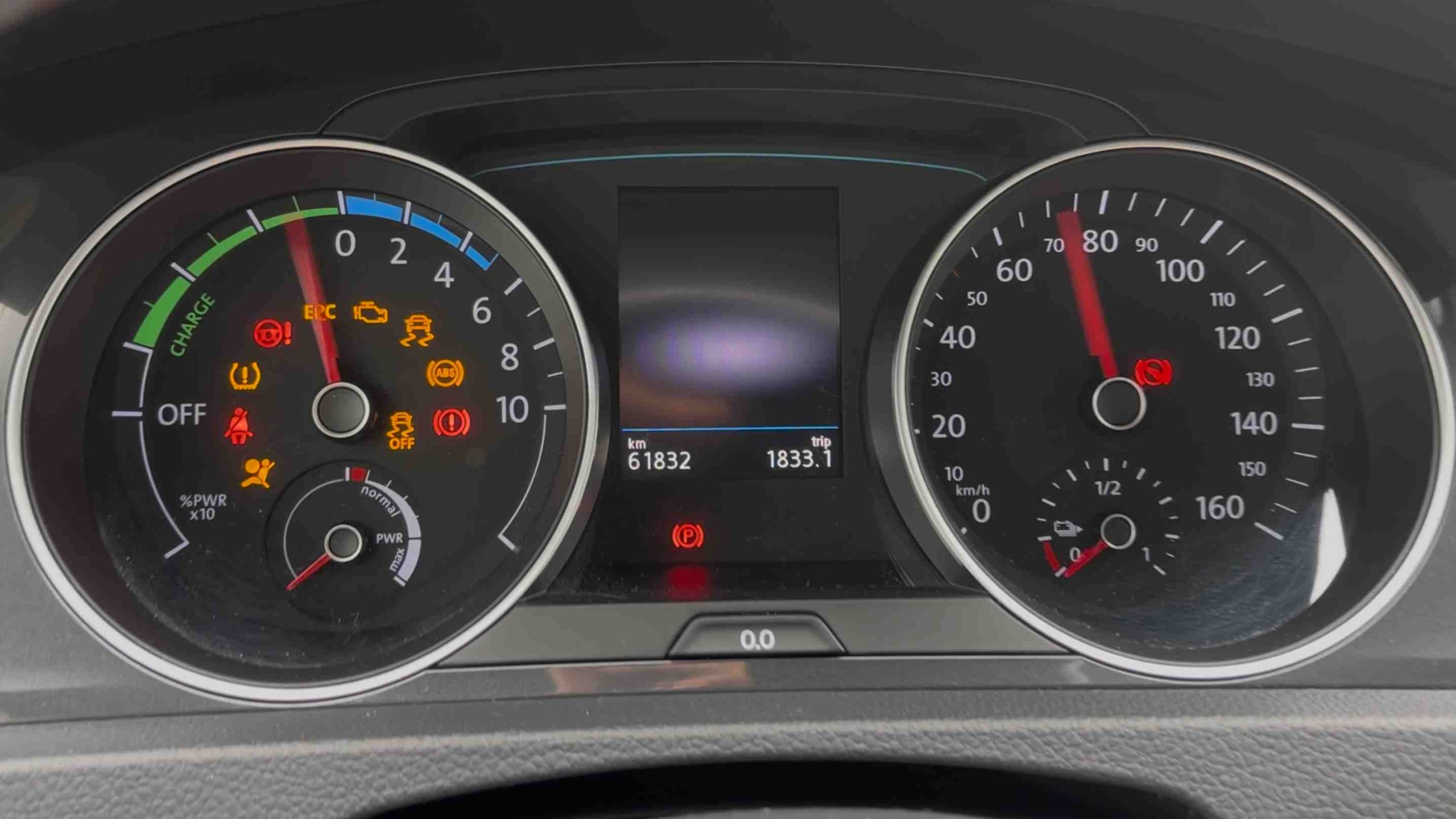
Needle Sweep (full rotation of the needles at start-up) provides a pleasant visual effect on the Volkswagen e-Golf instrument cluster. With Carista Evo you can activate this function quickly and easily by following the steps below.
Simple steps for activation with Carista Evo:
1. Connect the Carista Evo device to the car’s OBD2 diagnostic socket.
2. Turn on the ignition (do not start the engine).
3. Open the Carista app already installed on your smartphone (Android or iOS).
4. Connect the Carista app to your OBD2 device and follow the steps: Select Customize / Instruments: Displays & Nav / Gauge needle sweep at start-up / Yes.
5. Turn the ignition OFF and then ON to check if the NEEDLE SWEEP is working.
Compatibility and precautions:
Carista offers different functions depending on the year and ECU version of the e-Golf; models produced in certain periods may have different menus or restrictions.
Use only the recommended adapter and the official Carista Evo version to avoid errors.
Make only one change at a time and write down the initial settings or save a backup if the application allows.
Do not change other settings that you are not sure about; errors can affect important functions.